Free Resources & Tools Every Beginner Designer Needs
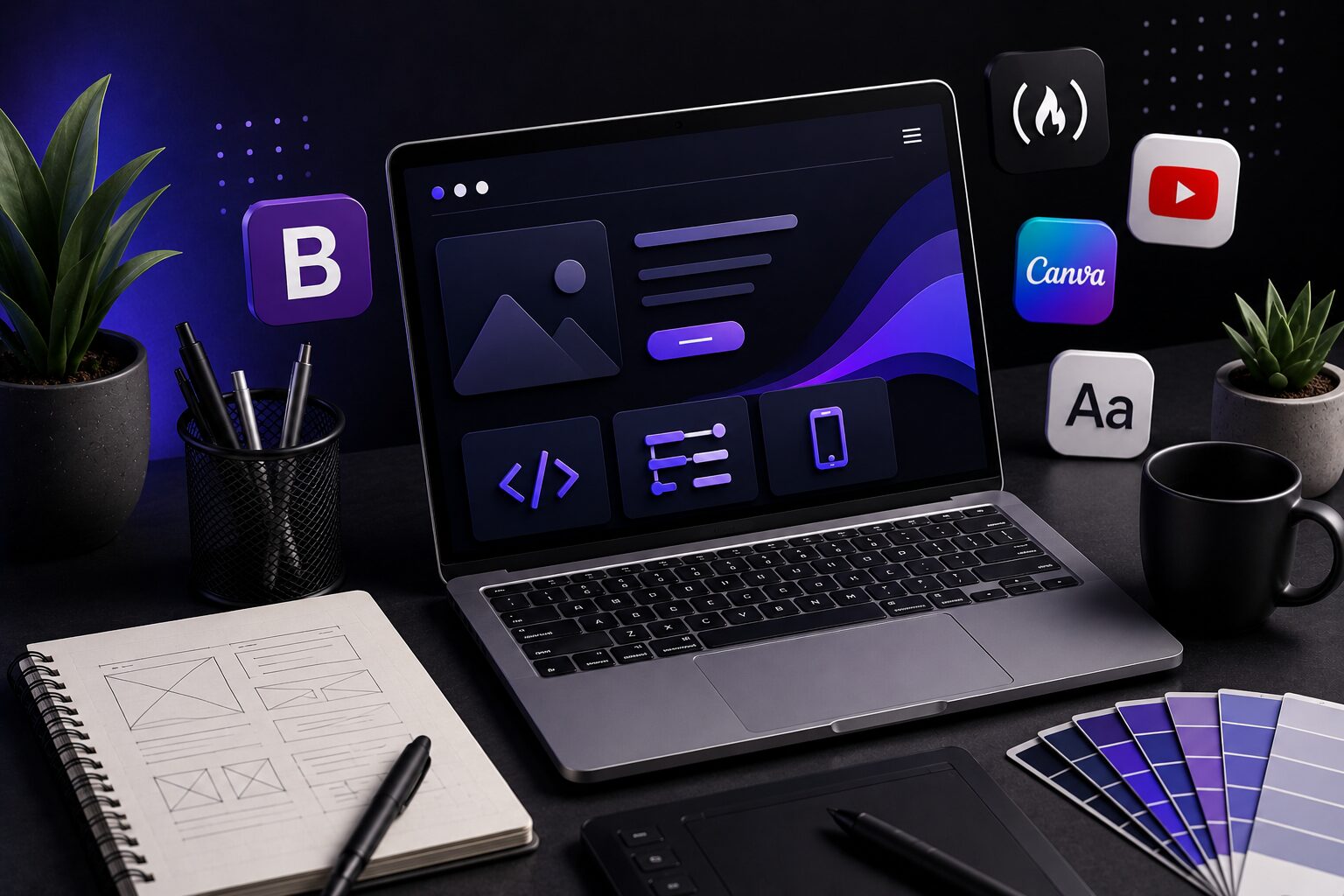
Starting web design can feel overwhelming because there are so many tools available. When I first started learning, I spent a lot of time figuring out which resources were actually useful. These are some tools and websites I recommend for beginner designers and developers.
1. Bootstrap
Bootstrap is a framework that provides pre-built components for your website such as navigation bars, buttons, cards, carousels, forms, and more.
It can help beginners build websites faster while making them responsive across desktop, tablet, and mobile devices.
On my own website, I used Bootstrap for the navigation bar and then customized it with CSS to match my own style and branding.
2. freeCodeCamp
FreeCodeCamp is one of the best free resources for learning web development fundamentals.
They offer courses covering:
- HTML
- CSS
- JavaScript
- Responsive design
- APIs
- Front-end development
- Back-end development
I highly recommend it because it gives you hands-on practice instead of only reading tutorials.
3. YouTube
This may sound like a cliché recommendation, but YouTube is honestly one of the most useful learning resources available.
There are many professional developers and designers who explain coding concepts, build projects from scratch, and share design ideas.
If you’re more of a visual learner like me, watching someone build projects step-by-step can make learning easier and more motivating.
Recommended channels:
4. Canva
Canva is a great tool for creating graphics and visual content.
You can use it for:
- Website graphics
- Social media posts
- Banners
- Client presentations
- Logos
- Marketing materials
It can also be useful if clients don’t already have a logo, which may allow you to offer additional services.
5. Google Fonts
Google Fonts gives you access to hundreds of free fonts that can improve the look and feel of your website.
Typography plays a huge role in design. Choosing the right font can make your website feel modern, professional, creative, or clean depending on your style.
Some beginner-friendly fonts I like:
- Poppins
- Inter
- Montserrat
- Roboto
- Open Sans
You don’t need every tool on this list immediately. Start small, practice consistently, and build projects as you learn. Skills grow faster when you actually create things.
For more tips follow me on Instagram
